Continue Moving
Walk, sprint, or fly in the direction you choose.
Freelook Mod lets you move your camera to see the world around you without changing where your Minecraft character is heading. Keep running, flying, or exploring while checking what is happening to either side.
Freelook Mod keeps nearby terrain and players in view as you travel.
Freelook Mod is a Minecraft camera mod built around a simple idea: your view can turn while your character stays on the path you were already following. Instead of changing your travel direction each time you check the surroundings, you use a keybind to look around.
Freelook Mod makes open-terrain travel and Elytra exploration easier to observe. A quick camera turn brings nearby players and scenery into view. Release the Freelook key to face forward again in hold mode.
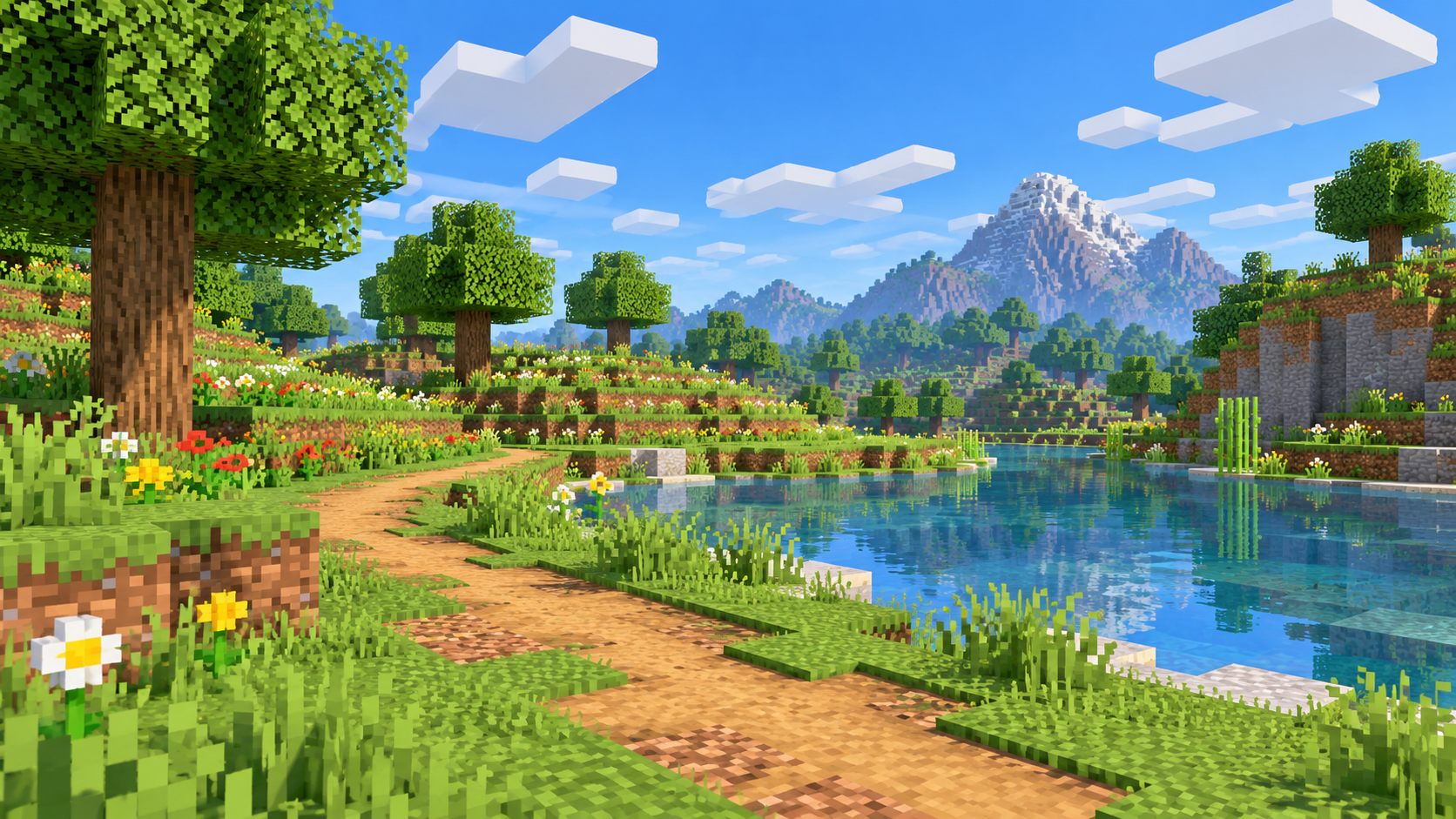
Freelook Mod adds useful camera controls for exploring, sprinting, and Elytra travel.
Turn the camera to check your surroundings while keeping your character moving in the same direction.
Press the assigned key, move the mouse to look around, and return to your normal view when you release it.
Check nearby terrain, paths, and activity without steering away from your route.
Look to the sides during Elytra travel without changing the direction of flight.
Freelook camera controls run on your Minecraft client. Check your server rules before using camera modifications in multiplayer.
Use the Minecraft Controls menu to locate the FreeLook key and change it if another control is using the same key.
Freelook Mod changes how the camera responds while the assigned key is held. Your movement continues as before, while mouse motion changes the direction you see.
Walk, sprint, or fly in the direction you choose.
Hold the Freelook key and move your mouse to look around.
Move the mouse to check the area to the sides or behind you.
Release the key to return the view to its normal orientation.
Minecraft journeys are easier to follow when a quick look around keeps your route intact.
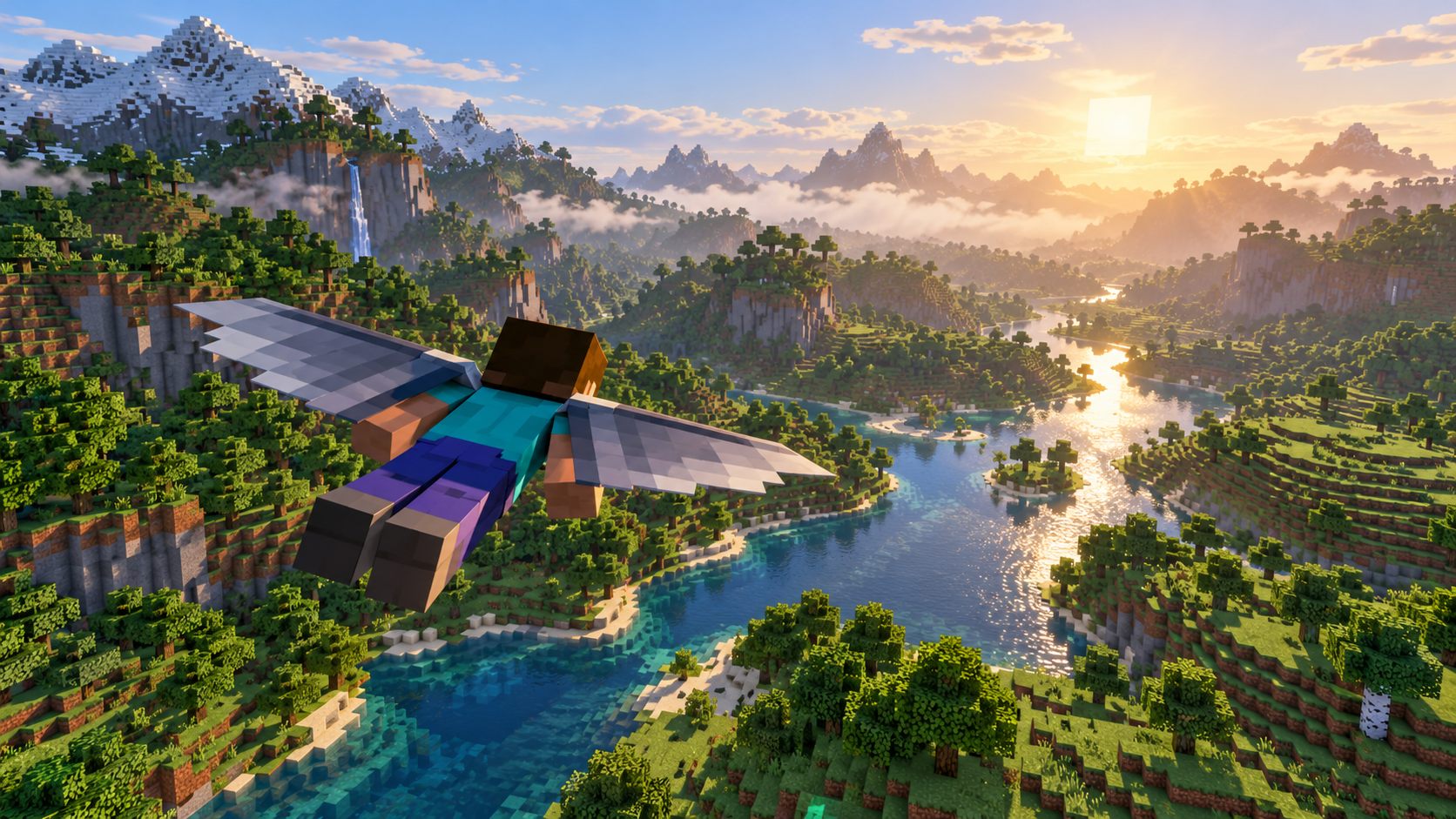
Freelook Mod keeps your surroundings in view during long journeys, quick sprints, and Elytra flights. Quick side views help you follow nearby terrain and activity during travel.
Minecraft exploration feels more natural with a wider view of the landscape. Freelook camera controls let you glance across a valley, check a nearby path, or look back during flight without steering away from your course.
Freelook Mod installation requires a file that matches both your Minecraft Java Edition version and your mod loader. Follow these four steps to prepare your game.
Confirm the Minecraft Java Edition version you plan to play.
Use a matching Forge, Fabric, or NeoForge file where one is offered.
Place the downloaded .jar file in your Minecraft mods folder.
Start the matching modded profile and test the FreeLook keybind.
Freelook Mod lets Minecraft Java Edition players look around while moving. Match the download details with your Minecraft version and loader before adding the file to your mods folder.
Freelook Mod compatibility depends on your Minecraft edition, game version, and installed mod loader.
| Requirement | Compatibility details |
|---|---|
| Minecraft Java Edition | Freelook Mod uses Java Edition mod files. Your Minecraft release must match the version supported by the downloaded file. |
| Supported Mod Loaders | Freelook Mod files depend on their intended loader. Match Forge, Fabric, or NeoForge to the exact requirements of your chosen file. |
| Exact Version Matters | Minecraft version numbers must match the mod file requirements. Releases with similar names can still require different files. |
| Bedrock Edition Note | Files for Java Edition mod loaders should not be treated as Bedrock add-ons. |
Freelook camera controls take just a key press and a mouse movement to use during gameplay.
Freelook Mod activates through the assigned camera key in Minecraft Controls. Enter a world, move in your chosen direction, hold the Freelook key, and move your mouse to look around.
Release the key to restore the usual camera orientation. To change the control, open Minecraft Settings, look in Controls or Key Binds, and find the FreeLook entry. If the action does not work, check whether the same key is already assigned to something else.
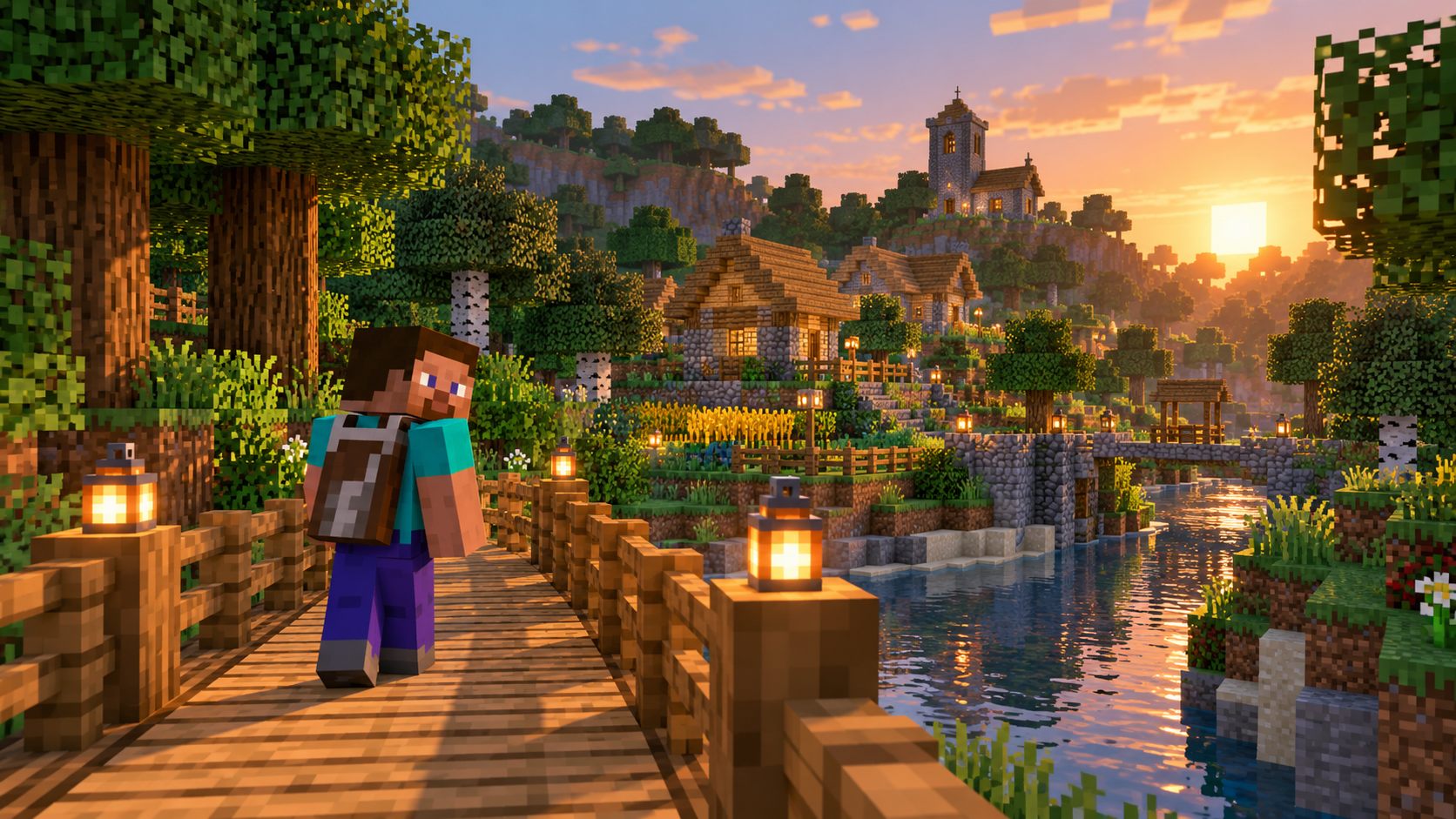
Players often use “Freelook” and “Perspective Mod” when referring to camera controls that allow looking around while moving. The exact features depend on the project you install.
| Point | Freelook Mod | Perspective Mod |
|---|---|---|
| Main purpose | Look around without changing travel direction | Usually offers a similar view-control experience |
| Controls | Project-specific keybind; Left Alt for your installed mod | Keybind depends on the project |
| Installation | Match the mod file with Minecraft and loader | Check the specific project requirements |
Freelook Mod problems often come from version mismatches, loader requirements, or conflicting camera keybinds.
Double-check your Minecraft version, loader type, and file requirements. Open the game log for details if startup fails.
Visit the Controls settings and check for a missing or conflicting key assignment.
Check the assigned key and installed mod behavior. Restart the game and verify you are using the intended project file.
Freelook Mod answers on setup, camera controls, keybinds, and compatibility.
Freelook Mod is a camera-control mod that lets you look around without changing the direction your character is moving.
Freelook activates with its assigned key in Minecraft Controls. Hold or toggle behavior depends on the installed build.
Freelook Mod is available through its public mod listing. Review the download page for license and file details.
Freelook camera movement leaves your travel direction unchanged. Your character continues along the route you are following.
Elytra flights allow quick side views with Freelook, helping you check the landscape while following your course.
Freelook Mod is client-side, but individual servers can set rules about client modifications. Check the server rules before using it.
Freelook key assignments depend on the installed release. Minecraft Controls shows the current binding and lets you choose an unused key.
Open Minecraft Controls and locate the FreeLook binding to assign a different key if supported by your installed file.
Freelook hold mode returns the camera to its normal direction when the assigned key is released.
Freelook Mod and Perspective Mod can both provide camera-look controls. Exact settings and compatibility depend on the installed release.
Install the correct Minecraft mod loader, put a matching FreeLook mod file in the mods folder, and launch the corresponding Minecraft profile.
Fabric support depends on the selected Freelook file. Match the loader and Minecraft version listed in its release details.
Forge support requires a Forge-specific Freelook file matching your Minecraft version.
NeoForge support requires a release specifically marked for NeoForge and your Minecraft version.
Minecraft Java Edition mod files do not install as Bedrock add-ons. Bedrock requires its own compatible camera option.
Support varies by file. Use the project files page to match your exact Minecraft version and loader.
Look for keybind conflicts, verify the mod is loaded, and confirm that the downloaded file matches your game and loader.
Incorrect loader types, missing dependencies, and game-version mismatches can prevent Freelook from loading. Check the file requirements and game log.
Freelook is a camera-control feature, not a performance booster. Results will vary with your setup.
Freelook Mod downloads are available through the download button. Confirm the file supports your Minecraft version and loader before installation.